MacBook Logic Board Repair
MacBook not turning on, showing no power, or stuck on a black screen? A board fault can’t be priced from a description — so we start with a diagnostic, confirm exactly what’s failed, and quote the repair before any work begins.
Order within --:--:-- — we collect on Thursday
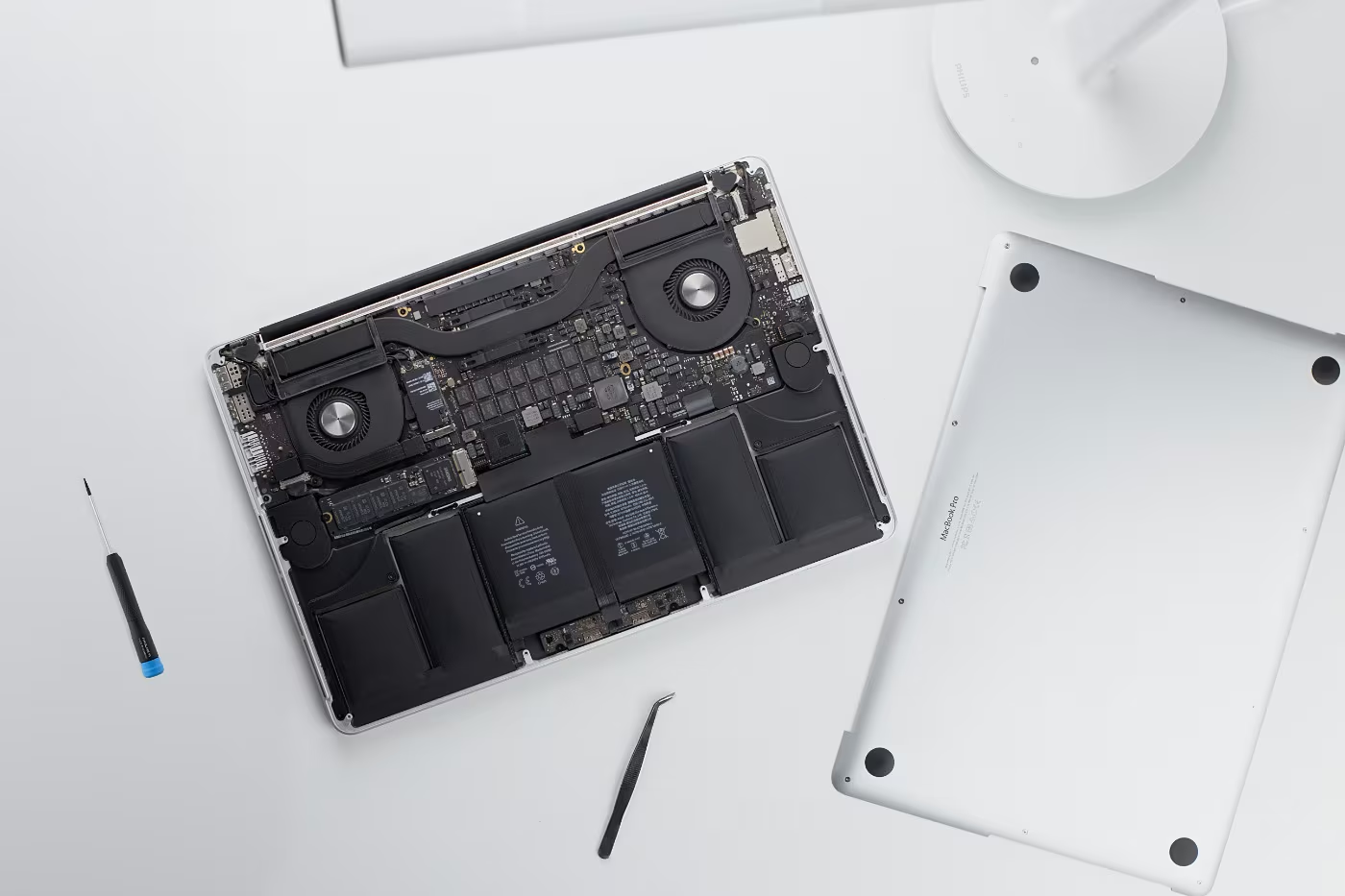
MacBook not turning on? It may be a logic board fault
The logic board is your MacBook’s main board — power, charging, display, ports and storage all run through it. These are the symptoms we see most, and every one of them is worth testing before you write the machine off.
MacBook not turning on at all
Press the power button and nothing happens — no light, no fan, no chime. The classic MacBook no power fault, and the one we see most.
Black screen, but it has life
The fan spins or the keys light up, yet the MacBook screen is not turning on. Backlight and display circuits both live on the board.
Charging, but not turning on
The charger light is on and the battery says it’s charging, but the machine still won’t start — a power-rail fault rather than a flat battery.
Won’t charge, or dead after a flat battery
No charging light, stuck on “Not Charging”, or it never woke up after the battery fully drained. Usually the charging circuit on the board.
Liquid or water damage
Coffee, water or wine on the keyboard. Corrosion keeps spreading across the board, so the sooner it’s cleaned the more we can save.
Random shutdowns & boot loops
Cuts out under load, restarts on its own, or loops on the Apple logo instead of reaching the desktop.
Dead ports, sound or SSD
USB-C ports, audio, Wi-Fi or the built-in SSD stop being detected — usually a circuit on the board rather than the part itself.
Loud fans & no display on wake
Fans straight to full speed from cold, or a machine that wakes with sound but no picture — both point at the board rather than the screen.
Some of these turn out not to be the board — a failed screen, battery or charger can look identical from the outside. That’s exactly what the diagnostic is for: we confirm the fault first, then quote the repair that’s actually needed.
Select your MacBook model — book a logic board diagnostic

























No models match "". Try a different model name or number.
How to Find MacBook Model?
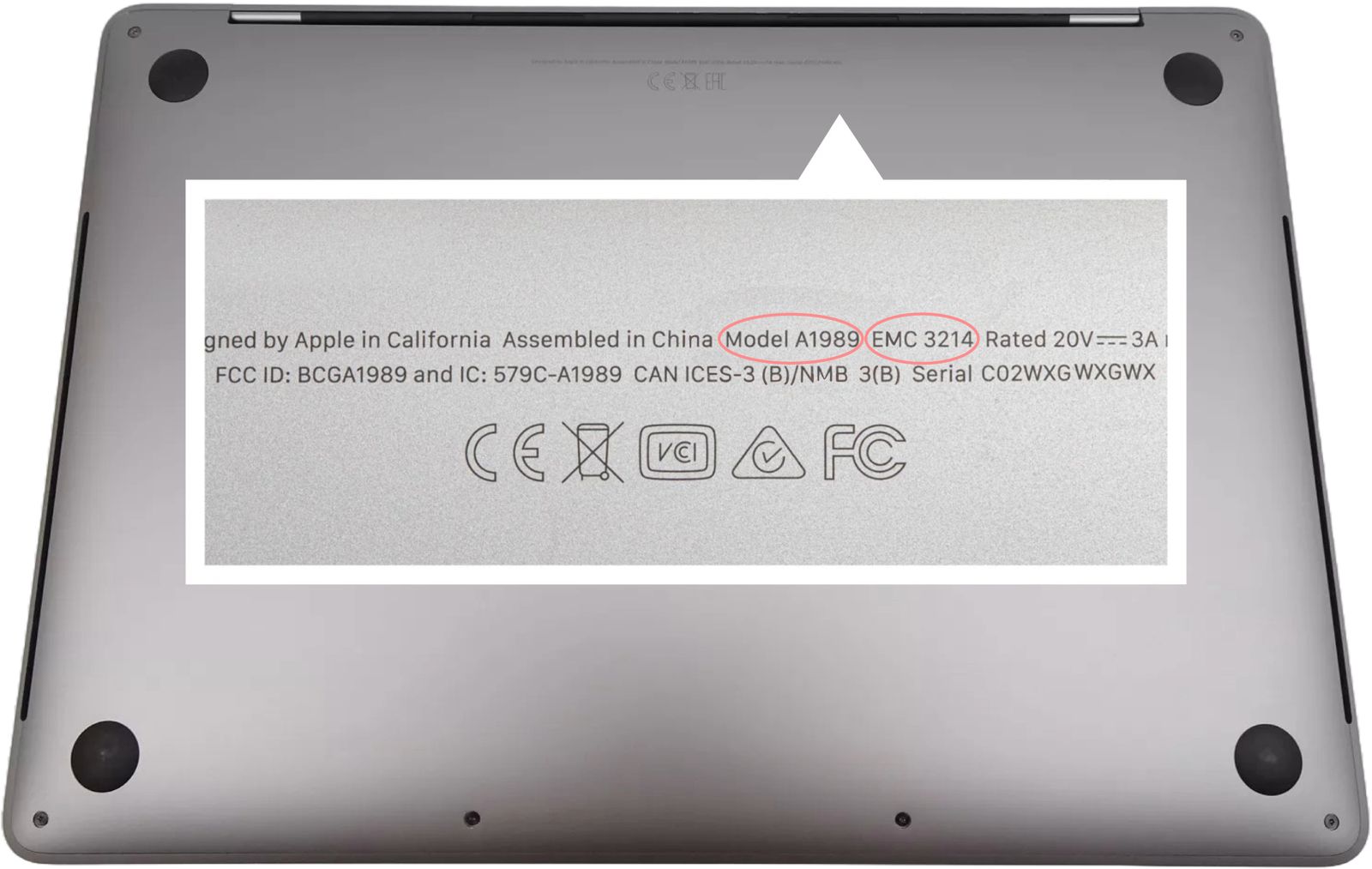
The price shown is for the diagnostic — the inspection that confirms what has failed. The logic board repair itself is quoted separately once we know the fault, and nothing is charged for it until you approve the quote.
How our logic board repair service works
Four steps, in this order — and nothing is charged for the repair itself until you’ve seen the diagnosis and agreed the price.
-
You book a diagnostic
Pick your MacBook model above and book the diagnostic service. The diagnostic price is shown upfront before you check out, and you choose how the device reaches us — post it in, book a door-to-door collection, or drop it at our London store.
-
We inspect and diagnose it
Your MacBook goes onto the bench for a full board-level inspection: power rails, charging circuit, display and I/O lines, plus a check for liquid damage and corrosion. This is how we separate a genuine logic board fault from a failed screen, battery or charger that looks the same from the outside.
-
If the board can be repaired, we recommend the repair
When the diagnosis confirms a repairable logic board fault, we recommend our board-level repair service — component-level micro-soldering on your original board wherever possible, rather than an expensive whole-board replacement. If it turns out not to be the board at all, we tell you what it actually is.
-
We explain your options and next steps
You get the findings in plain English, a fixed price for the repair, the expected turnaround and any alternatives — including data recovery if the board can’t be saved. Nothing goes ahead until you approve it. Once repaired, your MacBook is fully tested and returned tracked and insured, with a 90-day warranty on the work.
Why is my MacBook not turning on?
A MacBook that won’t start almost always comes down to one of four things, and they are not equally serious:
- A flat or failed battery. If it runs on mains but not on its own, or it died and never woke up, the battery — or the charging circuit feeding it — is the usual culprit.
- A charger or port fault. No charging light at all often means the cable, the adapter or the USB-C port, not the machine.
- A display or backlight fault. If you hear the fan or the startup chime but the screen stays black, the MacBook is turning on — you just can’t see it.
- A logic board fault. No light, no fan, no chime — nothing at all — points at the board’s power circuitry. So does a machine that shows it’s charging but still refuses to start.
Before you book anything, it’s worth trying a different charger and cable, holding the power button for ten seconds, and — on Intel models — resetting the SMC. If none of that brings it back, a diagnostic is the only way to tell which of the four it is. We test for all of them, and we’ll tell you if it turns out to be the cheap one.
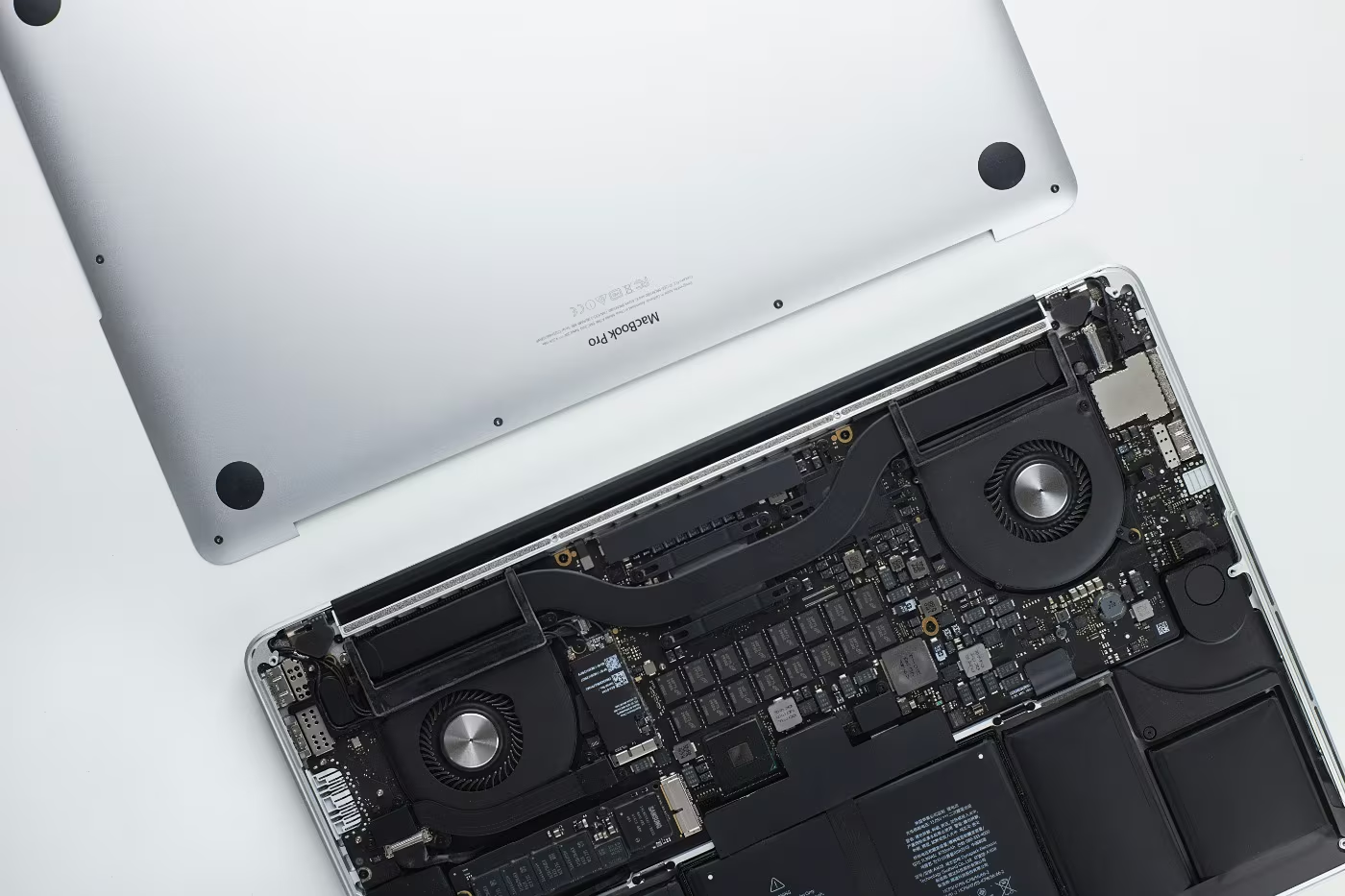
MacBook Pro Logic Board Repair
Is your MacBook Pro not turning on — dead after a spill, no power at all, or stuck on a black screen the moment the fan spins up? Our MacBook Pro logic board repair service works on the original board, tracing the fault down to the failed component and micro-soldering it, rather than charging you for a whole new board.
- MacBook Pro no power — no light, no fan, no chime
- Charging but not turning on, or a black screen on wake
- Liquid and water damage, corrosion across the board
- Charging circuit faults, boot loops, dead ports
Searching for MacBook Pro logic board repair near me? Bring it to our London store or use our UK-wide postal service — the same board-level workshop either way. Every job starts with a diagnostic, and you get a fixed quote before any repair begins.
Book your MacBook Pro diagnostic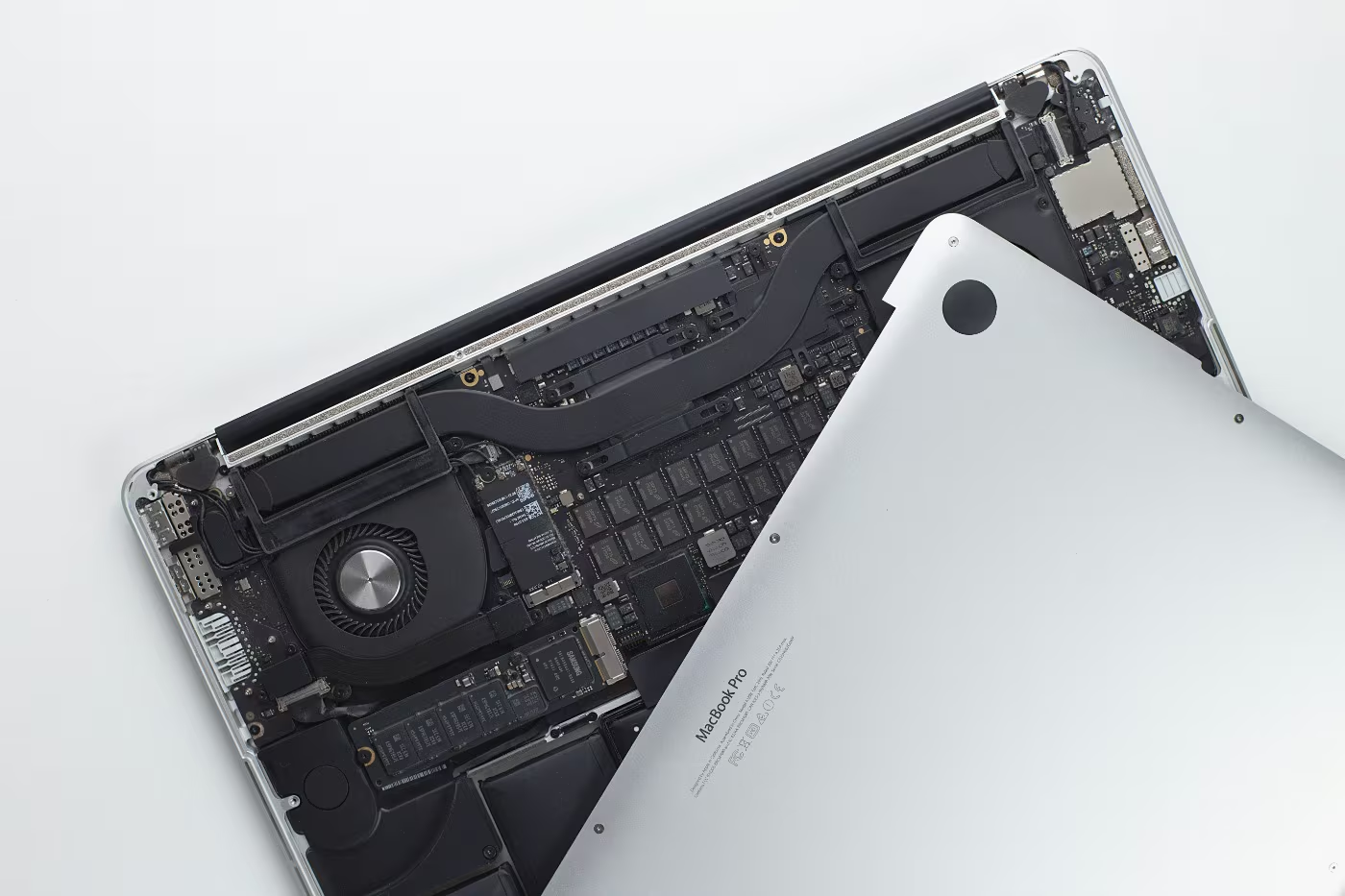
MacBook Air Logic Board Repair
A MacBook Air not turning on and showing no sign of life is not necessarily beyond saving. Our MacBook Air logic board repair covers every model — from the early Intel Air through to the latest M-series — including power and charging faults, liquid damage and boards that fail to complete a boot.
Because the storage is soldered to the board on modern models, a board failure can put your files at risk. Where the data matters most, we tell you that up front and talk you through recovery options as part of the diagnosis, before any repair is attempted.
Whether you call it MacBook board repair, motherboard repair or a logic board repair service, it’s the same job — and the same honest answer if the board isn’t worth repairing.
Book your MacBook Air diagnostic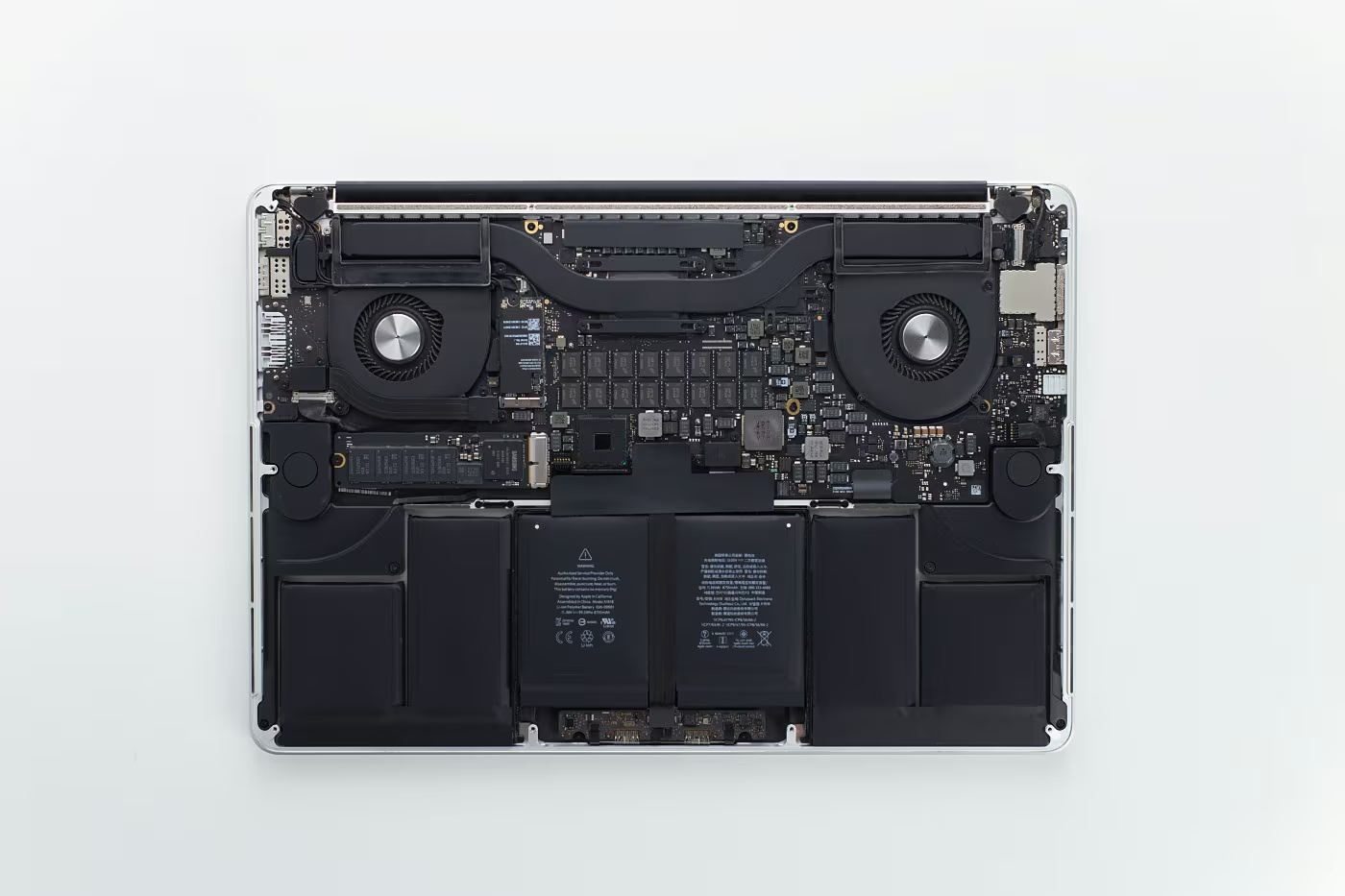
Why we repair the logic board instead of replacing it
Most workshops — Apple included — treat the logic board as a single part: if something on it has failed, the whole board is swapped. On a modern MacBook that is usually the most expensive component in the machine, and on models with soldered storage it can take your files with it.
We work a level deeper. A logic board fault is almost always one failed component on an otherwise healthy board — a power management IC, a blown fuse on a rail, a corroded track after a spill, or a damaged charging circuit. Repairing that component keeps your original board, your original storage and, in most cases, a good deal of the cost.
It also means we can be straight with you: if the damage is too widespread for a reliable repair, we’ll say so at the diagnosis stage and set out the alternatives — rather than starting work and billing you for a board that was never going to last.
Frequently Asked Questions About our MacBook Logic Board Repair
For more detailed information, check out our FAQs page
There are four common causes, and they are not equally serious. A flat or failed battery — it runs on mains but not alone, or it died and never woke up. A charger or port fault — no charging light at all often means the cable, adapter or USB-C port rather than the machine. A display or backlight fault — if you hear the fan or the startup chime but the screen is black, the MacBook is actually turning on, you just can’t see it. A logic board fault — no light, no fan, no chime at all points to the board’s power circuitry. Before booking, try a different charger and cable, hold the power button for ten seconds, and on Intel models reset the SMC. If none of that works, a diagnostic is the only way to tell which of the four it is.
It means power is reaching the machine but not getting all the way through. The charging circuit is working well enough to light the cable and report a charge, yet one of the power rails further along the logic board isn’t coming up, so the MacBook never completes its start-up sequence. That is a board-level fault rather than a battery or charger problem, and it is one of the most common reasons a MacBook comes to us. It is usually repairable at component level.
Possibly, but not always — and this is worth testing before you replace anything. If the fan spins and the keyboard lights up, your MacBook is powering on; the problem is that nothing is reaching the display. That can be the screen itself, the backlight circuit, or the graphics circuitry on the logic board. A quick check: shine a torch at the screen at an angle. If you can just make out a faint desktop, the picture is being generated and the backlight has failed. Our diagnostic tests all three so you don’t pay for a screen when the board is at fault, or the other way round.
Usually, yes. A MacBook that fully drains and then refuses to wake is a pattern we see often. Sometimes the battery has simply reached the end of its life and can no longer take a charge; sometimes the deep discharge has taken out part of the charging circuit on the logic board. From the outside the two look identical, which is why we diagnose before quoting. Leave it on charge for a couple of hours and try holding the power button for ten seconds first — if it still won’t start, book a diagnostic and we’ll tell you which of the two it is.
You often can’t tell from the symptoms alone — and that is the honest answer. A MacBook that won’t turn on, shows no power, has a black screen or refuses to charge can be a logic board fault, but exactly the same symptoms can come from a failed screen, a dead battery or a faulty charger. That is why every job starts with a diagnostic: we test the board’s power rails, charging circuit and display lines and confirm what has actually failed before anyone talks about a repair price.
A logic board fault cannot be priced from a description. Two MacBooks with identical “won’t turn on” symptoms can need completely different work — one a single failed component, the other extensive corrosion. Booking the diagnostic first means we inspect the board, identify the exact fault, and then give you a fixed price for the repair. You see the diagnosis and the quote before any repair work begins, and you decide whether to go ahead.
We contact you with what we found, in plain English. If the fault is a repairable logic board problem, we recommend our board-level repair service and give you a fixed price and an expected turnaround. If the fault turns out to be something else — screen, battery, charger or keyboard — we tell you that instead and quote for the repair you actually need. If the board is beyond a reliable repair, we say so and set out the alternatives, including data recovery. Nothing goes ahead until you approve it.
We repair the original board wherever we can. Most logic board faults are one failed component on an otherwise healthy board — a power management chip, a blown fuse on a power rail, a corroded track after a liquid spill, or a damaged charging circuit. Component-level micro-soldering fixes that while keeping your original board and, on models with soldered storage, your original data. A full board replacement is usually far more expensive, so we only recommend it when a repair would not be reliable.
Very often, yes. Liquid damage is one of the most common reasons a MacBook logic board stops working, and the sooner it is looked at the better the outcome — corrosion keeps spreading for as long as it is left. Stop using the machine, don’t try to charge it, and book a diagnostic. We clean the board, assess the corrosion and tell you honestly what can be saved before any repair is quoted.
Our aim is always to repair the board with your storage intact, and on most jobs that is exactly what happens. On modern MacBooks the SSD is soldered to the logic board, so where the data matters we flag that at the diagnosis stage and talk you through the options before we start. As with any repair, we strongly recommend keeping your own backup wherever the machine still powers on well enough to make one.
Board-level work is a bench job rather than a while-you-wait repair, so it takes longer than a screen or battery. The diagnostic comes first, and we confirm the exact turnaround for your repair together with the quote — before you commit to anything. You can post your MacBook in from anywhere in the UK, book a door-to-door collection, or drop it at our London store.
The diagnostic price is shown upfront for your exact model when you book. The repair itself is quoted after the diagnosis, once we know which component has failed — that way the price you are given is the price for the work your MacBook actually needs, not an estimate that changes later. If we cannot repair the board, you do not pay a repair fee, and every board repair we do complete is covered by our 90-day warranty.
Trusted with MacBook board-level repairs
The jobs other shops turn away are the ones we do every day — and our ratings show how they go.
- 65,000+ devices repaired
- Repairing since 2014
- 1–3 day turnaround
- While-you-wait & same-day
- No fix, no fee
Three ways to get your logic board looked at
Drop it off in London, post it to us, or let us collect from your door — whichever fits your week.
Drop it off · London
Bring your MacBook to our Whitechapel store — no appointment needed. Board work goes onto the bench, so we book it in rather than fix it while you wait.
We call you with the diagnosis and a quote
See the storePost it in
Send your MacBook to us from anywhere in the UK. We diagnose the board, send you the findings and the price, and only start once you say go.
Book a postal diagnosticDoor-to-door collection
We collect from your home or work, diagnose the board and send it straight back once it’s repaired — fully tracked, no trip to the post office.
Order within --:--:-- for collection on Thursday.
Book a collectionVisit our London store
23 Whitechapel Road, London, E1 1DU
- Drop off for a board diagnostic — no appointment needed
- 2 minute walk from Aldgate East station (District & Hammersmith & City lines)
- 5 minute walk from Whitechapel station (District, Hammersmith & City, Elizabeth & Overground lines)
- Free car park on Commercial Road
Not sure if it’s the logic board? Let’s find out.
No power, no chime, no display, or dead after a spill — the only way to know is to test it. Book a diagnostic and we’ll tell you what’s actually wrong, what it costs to repair, and what we’d do next.
Choose your model & book a diagnostic